Verified Android APK guide
Citron APK Download for Android
Use this Citron Emulator APK guide to choose between the verified stable Android release and the current CI nightly build. Compare file names, sizes, installation permissions, device limits, update checks, and legal setup boundaries without relying on unverified APK mirrors.
Each button opens a verified GitHub release page after a 15-second source-check countdown.
Version freshness check
Latest Citron APK versions verified on August 7, 2026
The newest stable repository release remains 2026-04-27. Its standard Android asset is app-mainline-release.apk at 22,157,733 bytes, about 22.2 MB. The same release also includes a separately named Android 8 Elite variant.
The Android CI channel changed on August 7, 2026 to build 22d5038ec. Its app-mainline-release.apk is 37,097,551 bytes, about 37.0 MB. Nightly builds may include newer fixes, but they can also change behavior more often than stable.
No package identifier or universal device requirement is claimed because the public release listing does not provide a reliable one-size-fits-all value. Compare the GitHub asset, release date, file size, and your hardware before installing.
Android release facts
Verified from citron-neo/emulator and citron-neo/CI GitHub release data on 2026-08-07. File sizes are source asset sizes, not mirror estimates.
Choose the correct file
Stable vs nightly Citron Emulator APK
| Build | Best for | Verified file | Important caution |
|---|---|---|---|
| Stable Android APK | Most users who want a predictable starting point | app-mainline-release.apk, release 2026-04-27, about 22.2 MB | A specific recent fix may be missing |
| Android nightly | Users testing a recent emulator change | app-mainline-release.apk, build 22d5038ec, about 37.0 MB | Can regress or change settings; keep a rollback copy |
| Android 8 Elite variant | Devices specifically suited to the separately named asset | Citron-29044-Android-8.Elite-Lyb.apk | Do not assume it is faster or compatible with every phone |
Safe installation workflow
How to install Citron APK on Android
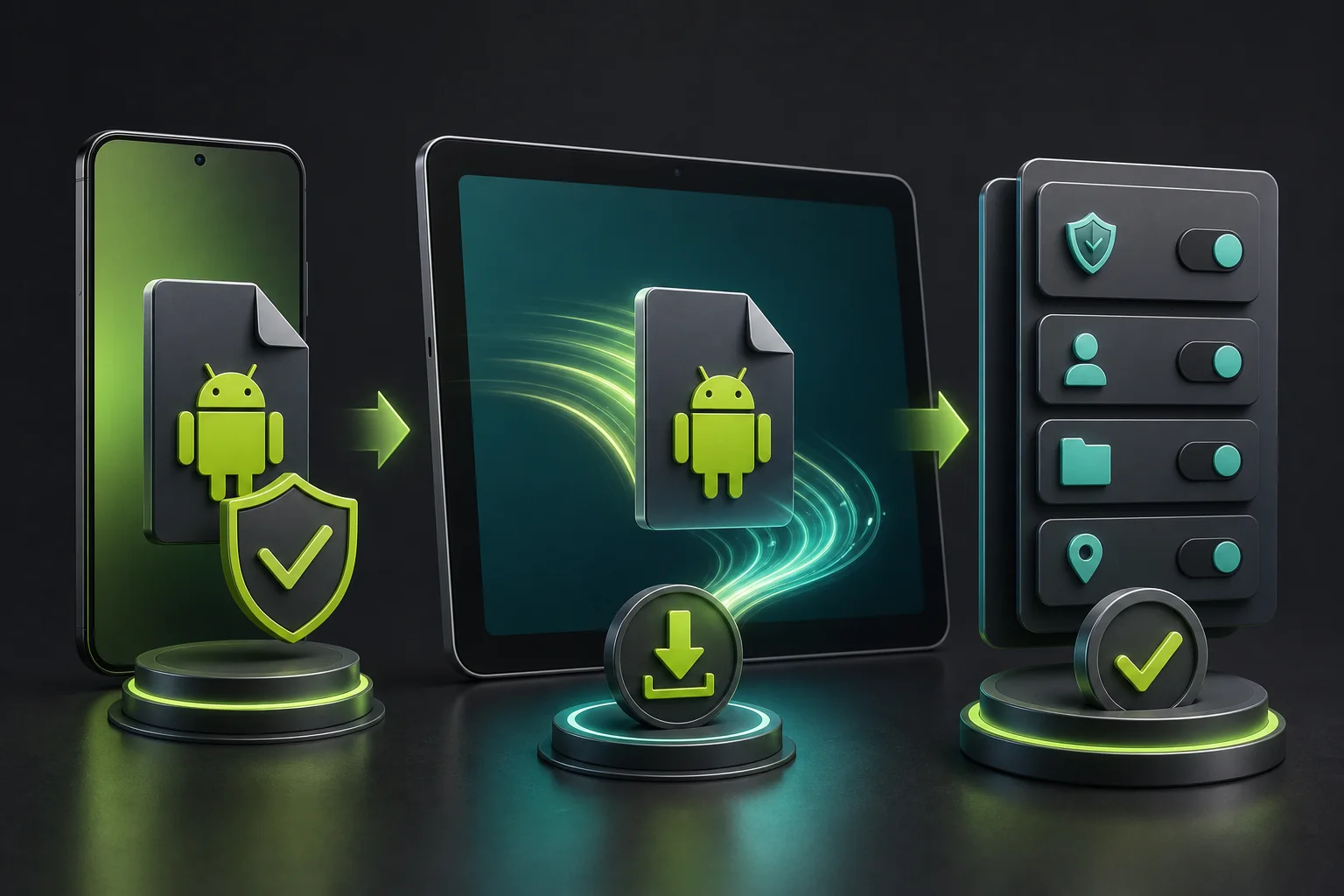
Open the verified release
Use a GitHub button on this page. Confirm the repository owner is citron-neo and the asset belongs to the expected release tag.
Check the APK before opening
Compare the asset name, source date, and file size with the verified facts. Delete unexpected installers, bundles, or unrelated extensions.
Allow only the installer source you used
Android may ask to allow installs from your browser or file manager. Grant that source temporarily rather than enabling unknown sources broadly.
Install, launch, then revoke permission
Complete installation, open Citron, and turn off the temporary installer permission when it is no longer needed.
Keep legal content separate
Citron does not include games, firmware, prod.keys, title.keys, or ROM files. Use only files you are legally permitted to use.
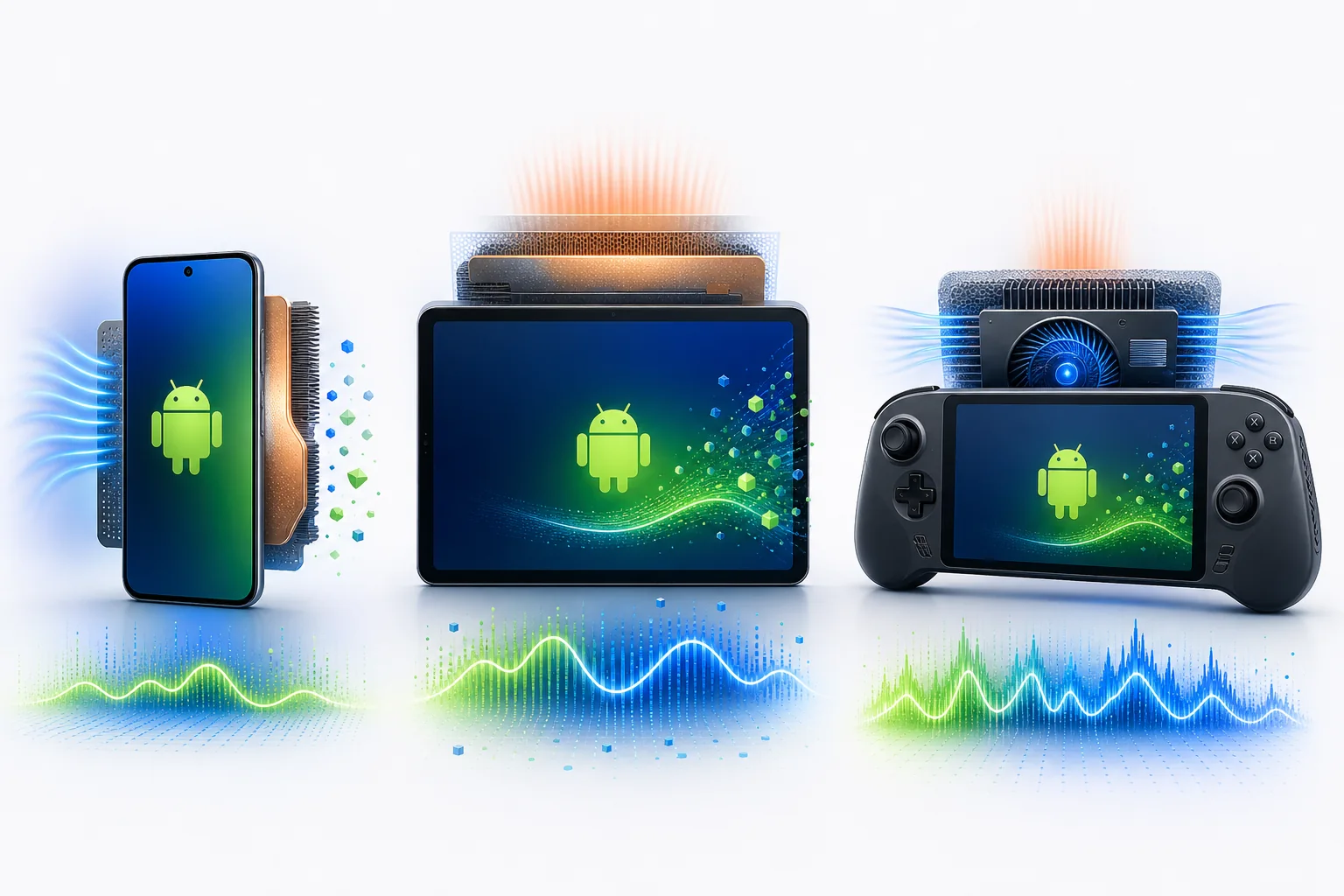
Device and performance reality
Will Citron APK work on your Android device?
An APK installing successfully does not prove that every game will boot or run well. Android emulation depends on CPU, GPU, drivers, memory, storage speed, thermal limits, controller support, and the exact Citron build.
Start with default settings and test one legally obtained title at a time. Record build hash, device model, Android version, driver, settings, duration, and exact failure point before changing several options.
If stable works, keep a copy before testing nightly. If both builds fail in the same way, investigate driver support, permissions, firmware or keys version mismatch, and game-specific compatibility instead of downloading random APKs.
- Prefer modern 64-bit Android hardware and current drivers
- Keep free storage for shaders, updates, saves, and logs
- Watch temperature and throttling during longer tests
- Document reproducible results in the compatibility guide
- Treat community settings as starting points, not guarantees
Android troubleshooting
Common Citron APK problems
APK will not install
Confirm the download completed, the file ends in .apk, storage is available, and an older conflicting package is not blocking installation.
App closes at launch
Restart the device, test stable, update Android system components, and record the crash point before changing graphics settings.
Black screen or corruption
Return to defaults, compare supported graphics drivers, and test the same title on stable and nightly.
Performance falls after several minutes
Check temperature, battery mode, background apps, sustained clocks, and thermal throttling.
Controller is not detected
Verify Android sees the controller first, then review Citron input mapping and reconnect before launch.
An update removed a working setup
Reinstall the previously saved official APK and document which build introduced the change.
FAQ
Citron APK FAQ
What is the latest Citron APK?
As checked on August 7, 2026, the newest Android CI build is 22d5038ec. Stable remains 2026-04-27.
Is Citron APK on Google Play?
This guide verifies GitHub release assets and does not claim a Google Play listing.
Which APK should I install?
Most users should begin with stable. Test nightly only for a recent change and keep a rollback copy.
Is Android 8 Elite required?
No. It is a separately named variant and is not automatically suitable for every device.
Does Citron APK include games or keys?
No. It includes no games, ROMs, firmware, prod.keys, or title.keys.
Why is the nightly APK larger?
Build configuration and bundled components can change. Size alone does not prove performance or safety.
Can I update without losing settings?
Back up important configuration and saves, and keep the previous official APK before testing an update.
Verified first-party sources
- Stable Citron Neo release Stable release page and Android APK assets
- Android CI nightly Current Android nightly build and asset sizes
- Citron Neo repository Source repository and project context