Platform-first download guide
Citron Emulator Download
Choose the right Citron Emulator build for Windows PC, Android, Linux, macOS, or Steam Deck, then open the matching GitHub release source. This independent guide separates the dated stable release from rolling nightly builds and does not host ROMs, keys, firmware, or repacked installers.
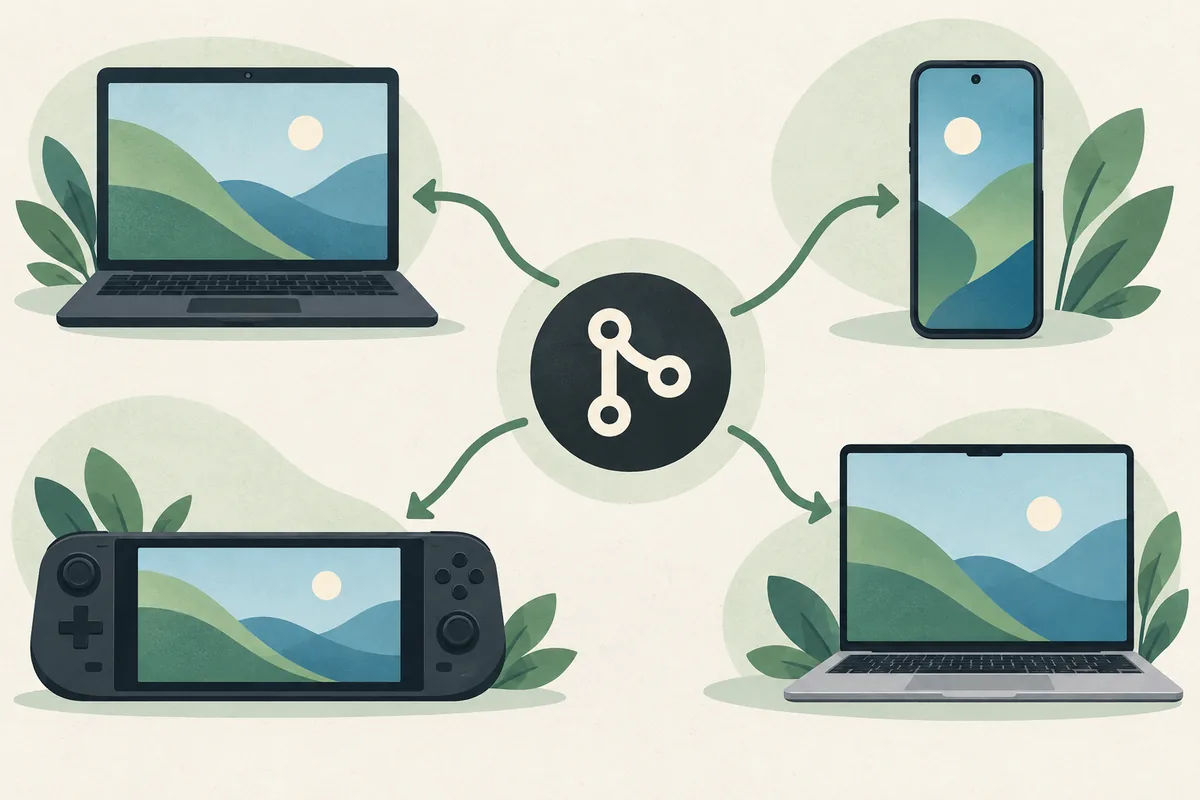
Which Citron emulator download should you choose?
Start with the platform you actually use, then choose a release channel. Windows PC users normally want a Windows x64 archive, Android users need the APK listed by the project, Linux and Steam Deck users should begin with the matching AppImage or Linux package, and macOS users need the DMG that fits their system. The download page is only the first decision; the package type and architecture must still match the device.
The dated stable release checked for this guide is 2026-04-27. The separate CI repository publishes rolling platform builds, so a nightly filename or commit can change after publication. Use stable when you want a repeatable baseline. Use a nightly build only when you need a recent fix, can test it, and can return to the stable build if a regression appears.
Choose your platform
Citron emulator downloads by device
Each platform has a different package format and a different failure pattern. Use the short summary below to reach the dedicated guide, then verify the exact release asset before opening it. The examples are navigation aids, not permanent filenames or promises that an asset will remain unchanged.
Windows PC
Choose Windows when you are installing on a desktop or gaming laptop. The platform guide explains x64 archives, MSVC versus clang-based builds, extraction, first launch, and how to keep a stable baseline beside a test build.
- Package family: Windows x64 ZIP
Android APK
Android users should open the project release source rather than a random APK mirror. Confirm the APK asset, device architecture, Android version, permissions, and whether an existing installation should be backed up before replacement.
- Package family: APK
Linux and Steam Deck
Linux and Steam Deck installations depend on the package format, execution permission, Mesa or driver stack, controller mapping, and game mode behavior. Start with the x86_64 build when it matches the hardware and keep a rollback copy.
- Package family: AppImage or Linux archive
macOS
macOS users need the DMG that matches the available build and system support. Check Apple silicon or Intel compatibility, first-launch security prompts, graphics behavior, and whether the current CI build is appropriate for testing.
- Package family: DMG
Do not choose a package only because a third-party page calls it an APK, installer, or one-click download. The release owner, repository path, package type, and platform must agree.
Release channel overview
Stable release or nightly build?
The safest choice depends on whether you value a dated baseline or a recent fix. The table keeps the channel decision visible before you click away to GitHub.
| Platform | Expected package | Channel | Where to verify | Practical choice |
|---|---|---|---|---|
| Windows | x64 ZIP | Stable or nightly-windows | emulator Releases / CI Releases | Use stable for a baseline; test nightly for a specific fix. |
| Android | APK | Stable or nightly-android | emulator Releases / CI Releases | Back up the working install before changing builds. |
| Linux and Steam Deck | AppImage or archive | Stable or nightly-linux | emulator Releases / CI Releases | Keep execution permission and rollback notes. |
| macOS | DMG | Stable or nightly-macos | emulator Releases / CI Releases | Confirm Mac architecture and first-launch behavior. |
Checked September 15, 2026: the dated stable reference remains 2026-04-27 in the project source set. CI/nightly assets are rolling builds; verify the current tag, commit, publication date, filename, and byte size on GitHub immediately before downloading.
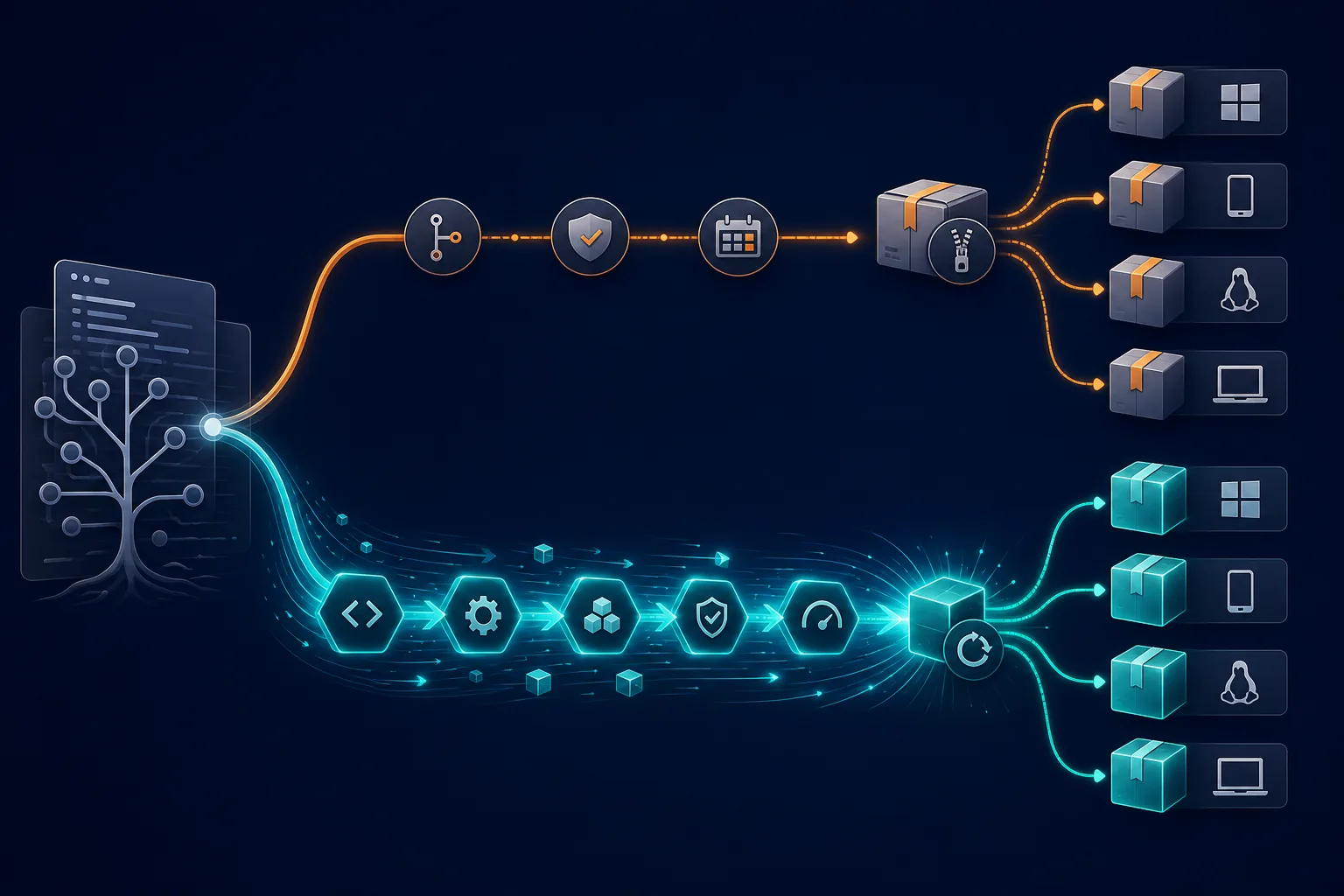
Verify the source first
How to check an official Citron download page
A search result can point to a page that uses the right product name but serves the wrong file. Move from the repository owner to the release tag and then to the asset list in that order.
The stable source is the public citron-neo/emulator repository and its Releases area. The rolling source is citron-neo/CI. These repositories have different purposes, so a page that combines a stable version claim with a random nightly filename should be treated as incomplete until the release metadata agrees.
Read the owner
Confirm the URL begins with github.com/citron-neo/ and that the repository is emulator or CI rather than an unrelated fork.
Read the channel
A dated stable tag and a rolling nightly tag are not interchangeable. Record which one you selected before leaving the page.
Match the asset
Check operating system, architecture, file extension, filename, and release asset size against your device.
Keep the record
Save the release link, build hash, publication date, and asset name so a later rollback or report has a clear baseline.
After you choose a build
A clean Citron emulator download and install flow
The download is not finished when the archive reaches your device. A short, repeatable install flow makes it easier to identify whether a problem comes from the package, the emulator profile, the graphics driver, or a game-specific setting.
Prepare a separate folder
Keep the stable build and a nightly test build in separate folders when the platform allows it. Do not overwrite a working baseline before you have recorded its version.
Extract or mount the package
Use the normal operating-system archive or disk-image workflow. Do not run an unexpected extra installer or accept a browser extension offered by a mirror.
Launch with protection enabled
Keep system security tools active and read any quarantine or permission message. A legitimate release page does not require disabling protection as a first step.
Complete the first setup
Choose a profile and game directory, then follow the legal setup guide for files that must come from your own console. This site does not provide keys, firmware, or game dumps.
Test one known case
Change one variable at a time and note the build, driver, renderer, controller, and game version. Use the compatibility and troubleshooting pages when the first launch is not clean.
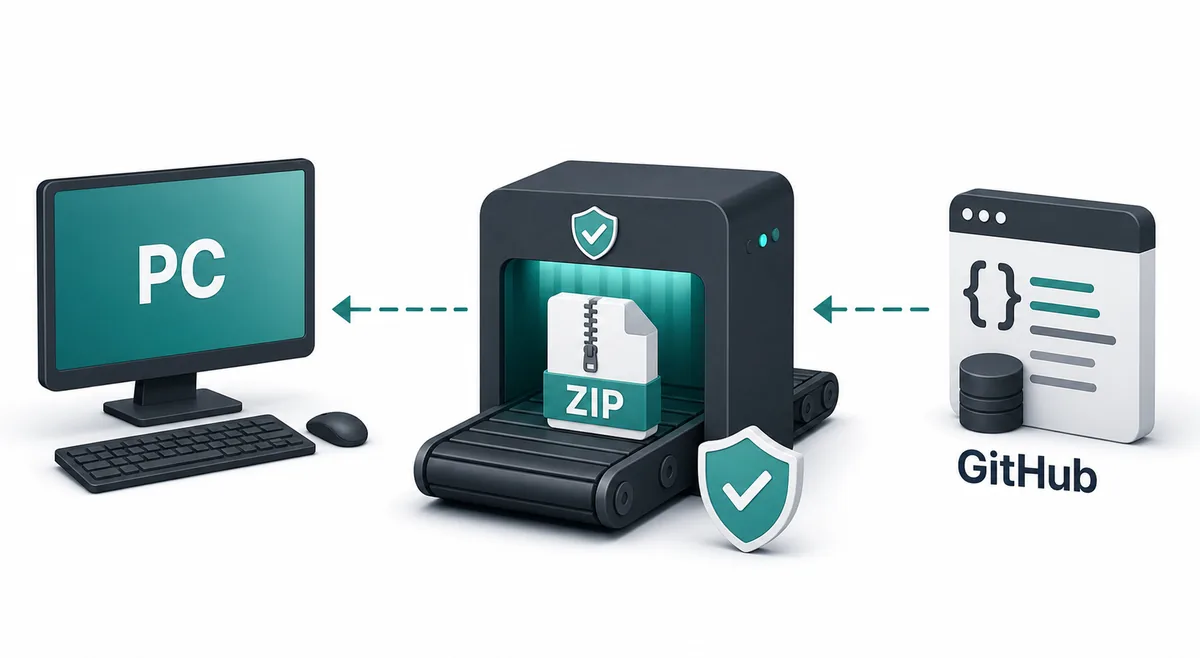

Stop at a red flag
What this Citron download guide will never ask you to install
Third-party pages often mix a real product name with unrelated files. The following signals are enough to leave the page and return to the public release source.
A mystery installer
A ZIP, APK, AppImage, or DMG should match the release asset. An extra downloader, browser extension, password prompt, or bundled setup wizard is not part of the normal source check.
ROMs or game packs
An emulator download page should not bundle ROMs, NSP/XCI files, game dumps, or a catalog of copyrighted games. Keep those questions outside the software installation path.
Keys or firmware
This site explains legal local setup but does not host or link prod.keys, title.keys, console firmware, or files extracted from someone else’s device.
A hidden destination
Multiple pop-ups, unrelated domains, forced surveys, or a countdown that hides the final URL are reasons to stop. Open the repository release page directly instead.
Continue with the right guide
The download page is only the starting point
Use the platform guide for package details, then move to setup, compatibility, or troubleshooting instead of searching for an unofficial all-in-one archive.
Windows download
Review Windows archive choices, extraction, architecture, and first launch.
Read the Windows guideAndroid APK
Check the APK source, device fit, installation sequence, and rollback notes.
Read the Android guideLinux and Steam Deck
Compare AppImage choices, permissions, controller setup, and game mode behavior.
Read the Linux guideFirst-time setup
Organize profiles and folders without downloading console files from an unknown source.
Open the setup guideQuestions before downloading
Citron emulator download FAQ
Where should I download Citron Emulator?
Use the public citron-neo/emulator Releases page for the dated stable channel and the public citron-neo/CI Releases page for rolling platform builds. This site links to those sources but does not mirror the files.
What is the latest stable Citron version?
The stable reference checked for this page on September 15, 2026 is 2026-04-27. Because release pages can change, open the source and verify the tag and asset details immediately before downloading.
Is there a Citron emulator download for PC?
Yes. Windows users should choose the Windows x64 package from the official release source and then follow the dedicated Windows guide. Match the architecture and archive type before extracting it.
Can I download a Citron Android APK here?
This page provides source navigation, not a hosted APK. Use the official Android release asset, compare the package and publication details, back up a working installation, and avoid third-party APK mirrors.
Should I use stable or nightly builds?
Use stable when you want a dated baseline that is easier to compare. Use nightly only for a specific fix or platform need, and keep the stable build available so a regression is reversible.