Cross-platform installation guide
How to Install Citron Neo Emulator: Citron Neo Tutorial
Choose the package for your operating system, install it from a traceable project source, and verify a clean first launch before changing settings or adding local files.
What this Citron Neo tutorial covers
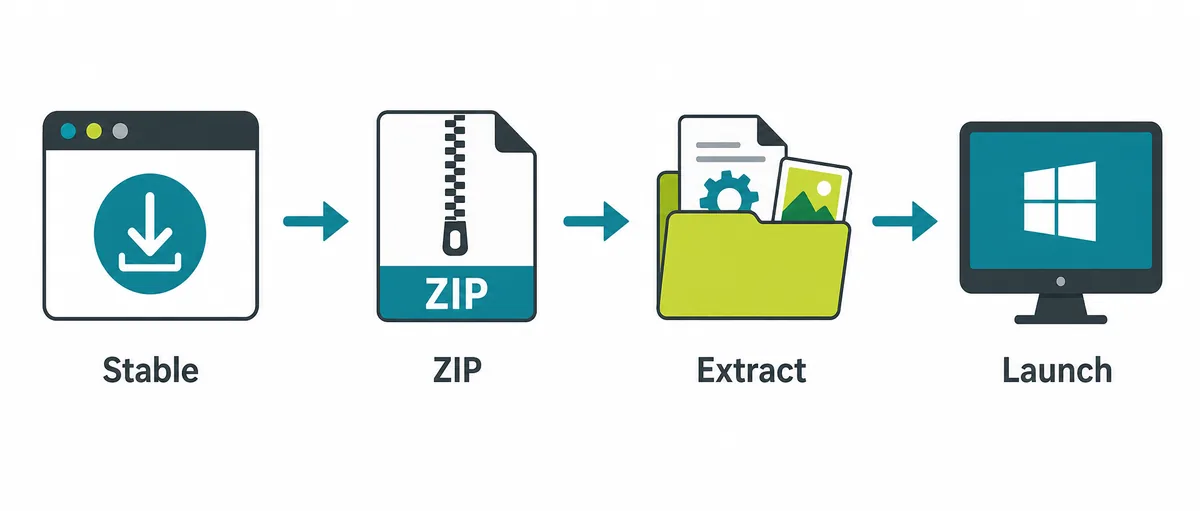
Use this Citron Neo tutorial to match the package to your operating system and processor, then open it from a stable local folder. Windows may use a ZIP, Linux an AppImage, macOS a DMG, and Android a project-listed APK. Formats vary by release.
This tutorial covers the emulator application and a clean first launch. It does not provide games, ROMs, NSP/XCI files, console keys, or firmware. Check the project-owned release page before installing; nightly assets can change.
Start with your device
Choose the Citron install path for your platform
Confirm the operating system and processor architecture first. A correct source with the wrong package type still produces a failed or confusing installation.
| Platform | Package to look for | Basic install action | First check |
|---|---|---|---|
| Windows PC | Windows x64 ZIP listed by a Citron release | Extract the archive, then launch the included application. | Confirm the archive is complete and the extracted folder contains the executable and its companion files. |
| Linux desktop | Linux x86_64 AppImage when the project publishes one | Save it locally, allow execution, then launch it from that location. | Match x86_64 or ARM64 to the device; package availability can vary by release. |
| Android | An Android APK asset published by the project | Open the downloaded APK only after checking its source and device fit. | Do not substitute an APK mirror when a compatible project asset is absent. |
| macOS | A macOS DMG or other package shown on the release page | Open the disk image and move the app to Applications if instructed. | Check the release notes for the supported macOS and processor variant. |
Windows
Install Citron from a Windows ZIP
A Windows ZIP is usually a portable application folder, not a setup wizard. Extract the complete archive to a stable local directory; launching from inside the ZIP or moving only the executable can separate required files.
Choose the Windows asset
Open the project release page and match its listed Windows package to your device architecture.
Extract every file
Create a stable destination folder and extract the full ZIP; do not pull out only the executable.
Launch and record
Open the app from that folder. If a runtime error appears, check the exact message against the vendor's documentation; never download a loose DLL from a file site.
Linux and Steam Deck
Run the Linux AppImage from a stable folder
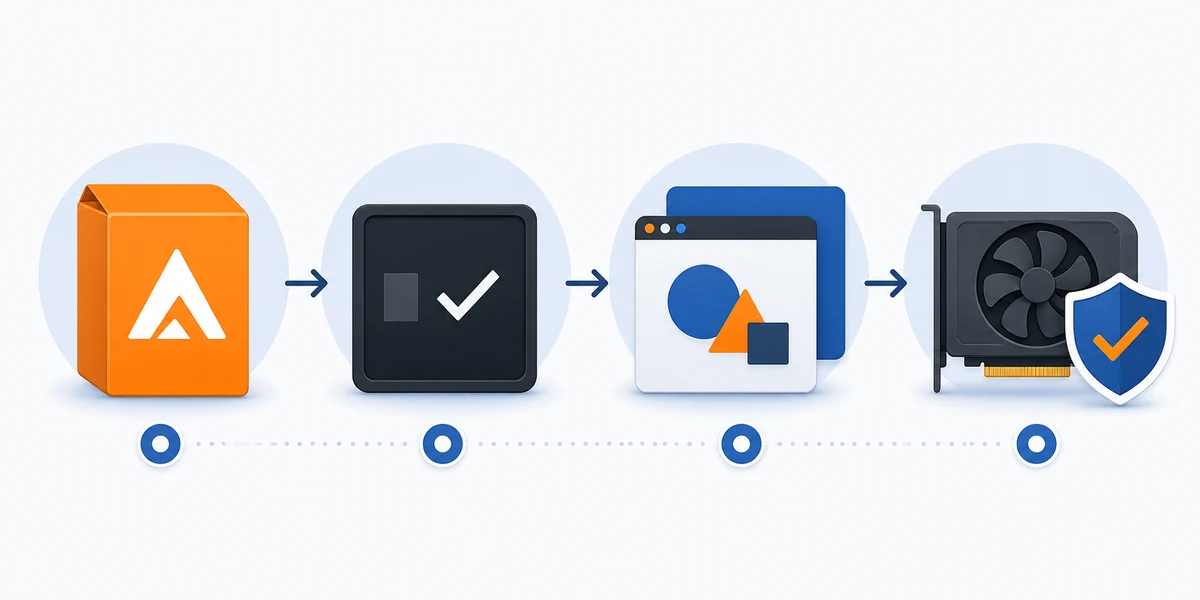
A Linux AppImage can run without a distribution package, but it still needs the right architecture, execute permission, and a working graphics stack. Follow the release notes if the available format differs.
Steam Deck follows the Linux package path; its Desktop Mode and Game Mode setup is covered in the dedicated Steam Deck guide.
Match the architecture
Choose the Linux asset for the device; do not use a Windows ZIP or Android APK.
Save and allow execution
Move it to a stable folder and use your desktop's documented permission control.
Launch and note errors
Record dependency or graphics messages. Avoid unrelated installers or commands that require elevated privileges.
Android
Install an Android APK only when a project asset is available
Use an Android APK only when the project lists one on its release page. Similar filenames on unrelated sites do not establish a trustworthy source; if a compatible project asset is absent, stop rather than substituting a mirror.
Before opening the APK, compare its architecture and Android requirements with the device, check free storage, and back up data before replacing an existing installation. Grant only the narrow install permission Android requests.
Confirm the project lists an APK
Check the release assets and notes, not a search snippet or old tutorial.
Check device requirements
Compare architecture and Android version, and make a backup before an update.
Install and review prompts
Open the verified file with Android's package installer. Stop if you see a signature or package conflict; do not clear data blindly.
macOS
Move the macOS app from its disk image
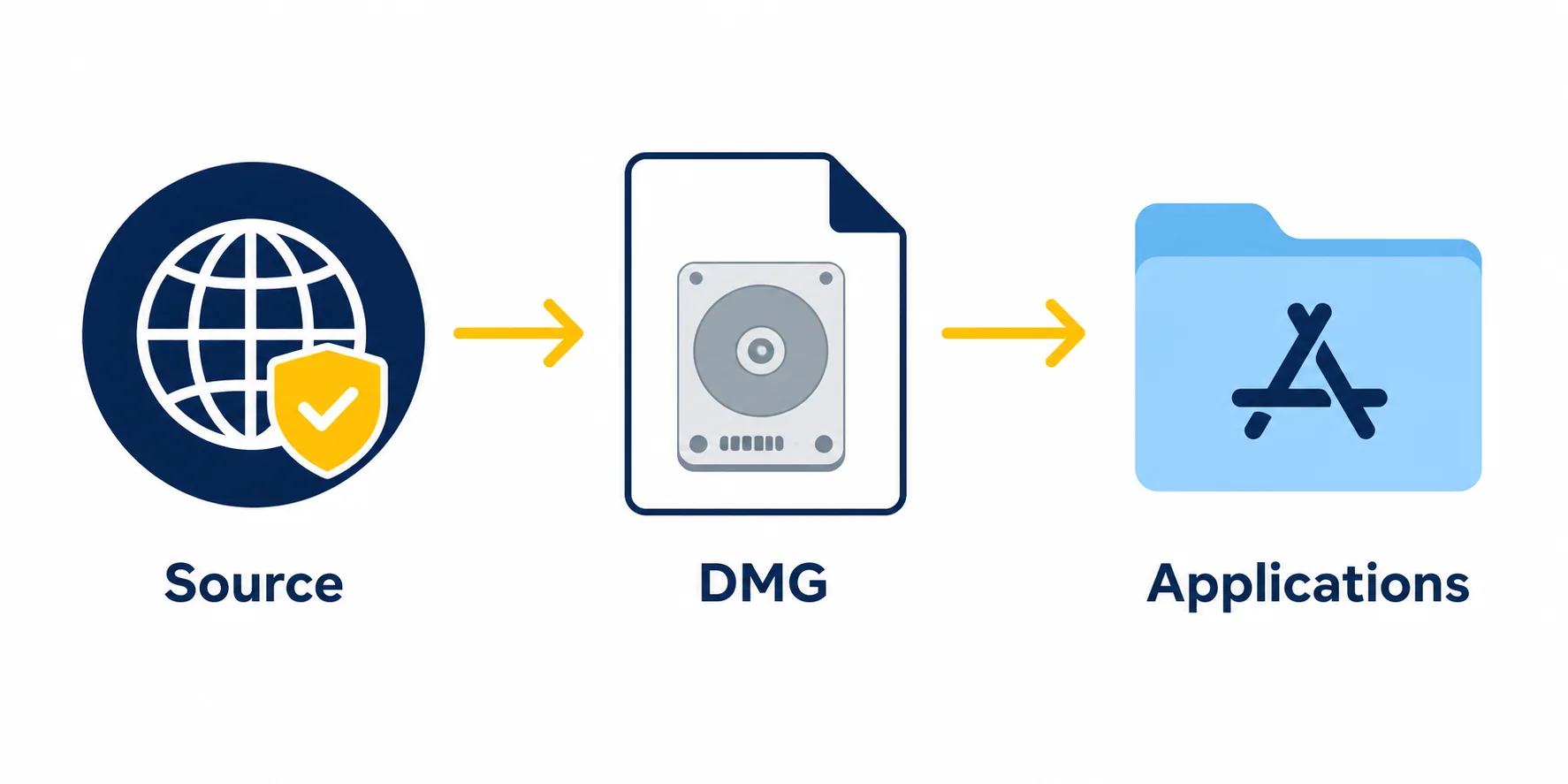
A macOS release may use a DMG, but supported system versions and processor builds vary. Read the asset label and notes; a disk image alone does not prove compatibility with every Intel or Apple silicon Mac.
Keep the original download until the app opens. If macOS blocks it, verify the source and read the notice; do not disable Gatekeeper globally or run an unverified Terminal command.
Choose the listed Mac build
Check the release page for package, date, and processor notes. Do not rename another platform's file.
Open and copy the app
Mount the DMG in Finder and follow that release's instructions, such as moving the app to Applications.
Review any security notice
Verify the source and read the message. Return to the release page instead of changing system-wide security settings.
After installation
Verify the first launch before adding other files
An install check is not a game-compatibility test. Confirm that the app reaches its normal library or start screen and closes cleanly; this separates package failures from later setup, driver, controller, or game questions.
For a nightly build, record its source-page date or commit because rolling assets change. Keep a known working copy for rollback and change one thing at a time when troubleshooting.
- Source: The filename came from the expected citron-neo GitHub release page.
- Package: Operating system and architecture match the device.
- Files: The full archive was extracted or the app copied as instructed.
- Launch: The app opens and closes before you add files or change graphics settings.
- Recovery: You know where the app and existing user data are before replacing anything.
If installation stops
Common install problems and the safest next step
Keep the error text and change one thing at a time. Do not disable security tools or add files from unknown sources.
The download will not open
The transfer may be incomplete or the file may not match the selected platform.
Next step: Check the release page and file extension before downloading again; do not rename it.
A runtime is missing
An operating-system component may be absent; this does not mean the emulator file is missing.
Next step: Use the vendor's runtime documentation, never a loose DLL or library from a mirror.
The app opens and closes
Package, permission, driver, or OS compatibility can affect launch; this does not prove a game file is missing.
Next step: Try a clean folder and check release notes before changing settings.
Android rejects the APK
Architecture, OS version, storage, signature, or update conflicts may be responsible.
Next step: Stop and compare requirements; back up before replacing a working install.
Installation questions
Citron Neo installation FAQ
Where should I download Citron Neo Emulator?
Use the citron-neo GitHub release pages and choose the asset for your operating system. This guide does not guess direct file URLs or recommend mirrors.
Is Citron a Windows installer?
A Windows release may be a portable ZIP. Extract the complete archive, then launch the app from its folder.
Can I install Citron on Android from any APK site?
No. Use an APK only when the project lists a compatible asset; otherwise wait for project guidance.
How do I install Citron on Linux?
When available, match the AppImage to your architecture, allow execution with documented controls, and launch it locally.
Does installing Citron include games, keys, or firmware?
No. The emulator is separate; this site does not distribute games, ROMs, keys, or firmware.
How do I check a nightly build?
Read the CI release page's current tag, date, filename, and notes immediately before use; rolling assets can change.
First-party references
Release pages checked for this Citron Neo tutorial
The project release list was checked on November 5, 2026; its newest visible stable tag was 2026-04-27. Check the source page for current nightly details before installing.
- Citron emulator releasesStable release list checked November 5, 2026; newest visible tag: 2026-04-27.
- Citron CI releasesCheck current rolling build assets and dates before installing.