Citron troubleshooting guide
Citron Emulator Crashing or Black Screen? Start Here
Use a symptom-led checklist for Citron emulator crashes, black screens, failed launches, graphics glitches, missing controller input, and regressions after an update. The goal is a reproducible next test, not a random collection of tweaks.
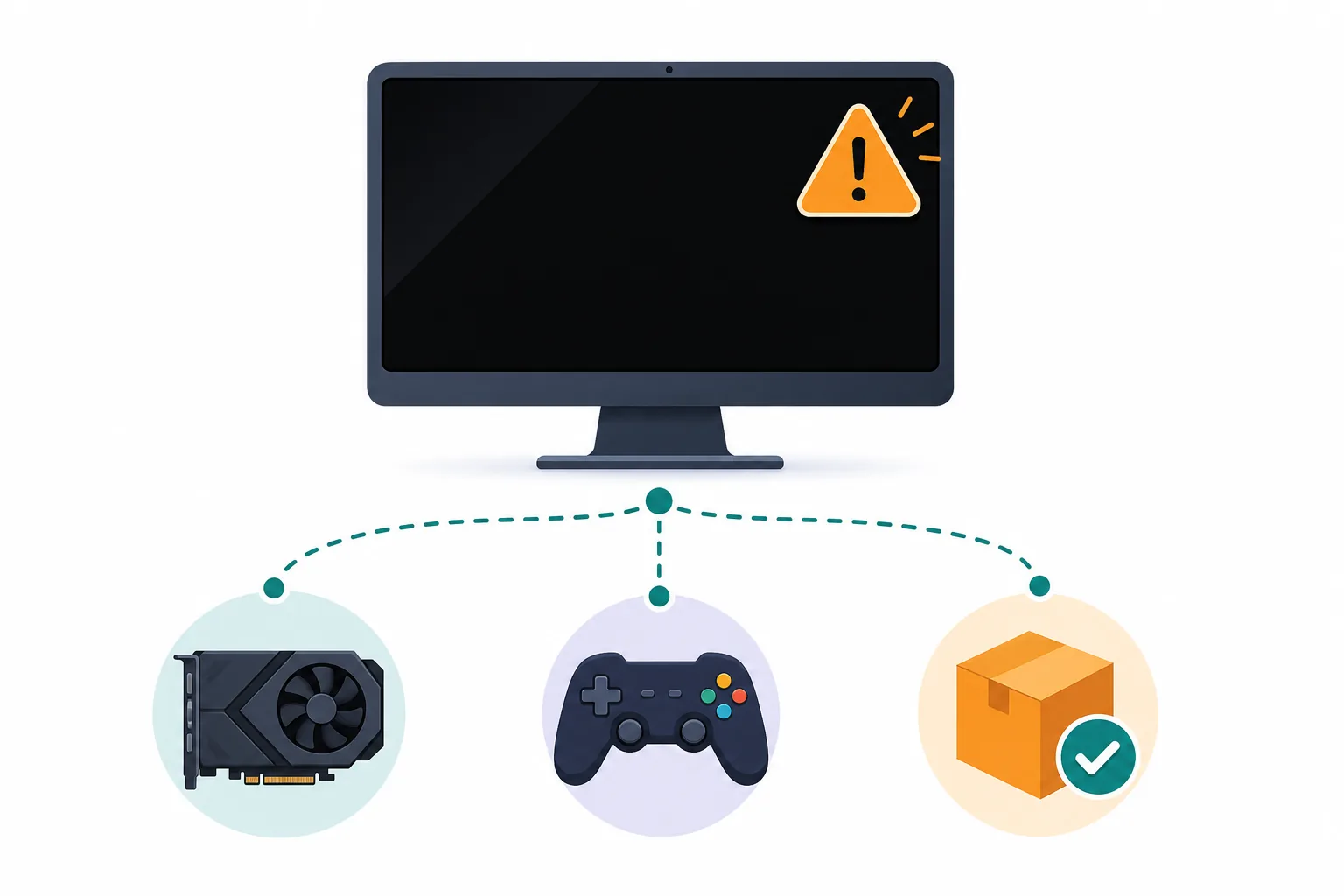
The short answer: identify the failing layer before changing settings
Citron emulator crashing does not always mean that the game is incompatible. The failure may come from an incomplete package, an incorrect platform build, a graphics driver, a damaged configuration, a shader cache, controller software, legal system files from your own console, or a regression in the exact build you installed.
If Citron opens but shows a black screen, first check whether audio, menus, or controller input still respond. A silent black window points to a different branch than a running game with a rendering problem. Record the symptom and the last successful screen before you try a fix.
Keep stable and nightly evidence separate. The stable release checked for this guide is 2026-04-27; the checked CI channel uses commit 22d5038ec. Those identifiers are comparison anchors, not a promise that every game or device will behave the same way.
Change one variable at a time, repeat the same short test, and keep the previous working configuration. This makes a crash fix easier to confirm and gives you useful evidence if you need to compare an official issue or release note.
Start with the right branch
Citron emulator troubleshooting: check the layer that matches the symptom
Do the least invasive check first. A clean observation is more valuable than changing graphics, cache, input, and firmware settings at the same time.
| Layer | First check | Why it matters |
|---|---|---|
| Launch or package | Use the correct OS asset, finish extraction or installation, and confirm that the OS can read and execute it. | A missing library, blocked file, wrong architecture, or half-extracted archive can look like an emulator crash. |
| Build or channel | Write down the stable tag or CI/nightly hash before testing; never combine results from different builds. | A fix or regression belongs to a specific build, and an update can change the result without changing your hardware. |
| Renderer or driver | Return to the default backend, note the GPU and driver, then test one alternate backend only if the symptom repeats. | Black screens and broken textures can be backend- or driver-specific rather than a general compatibility result. |
| System files and input | Check your own legal system-file setup, game path, permissions, and controller detection without downloading a bundle. | Mismatched files, unreadable paths, or duplicate input layers can produce misleading launch and gameplay failures. |
| Config and cache | Back up the profile, test a clean configuration, and clear or rebuild a cache only after recording the original state. | A stale cache or damaged setting can be fixed, but deleting evidence makes the cause harder to prove. |
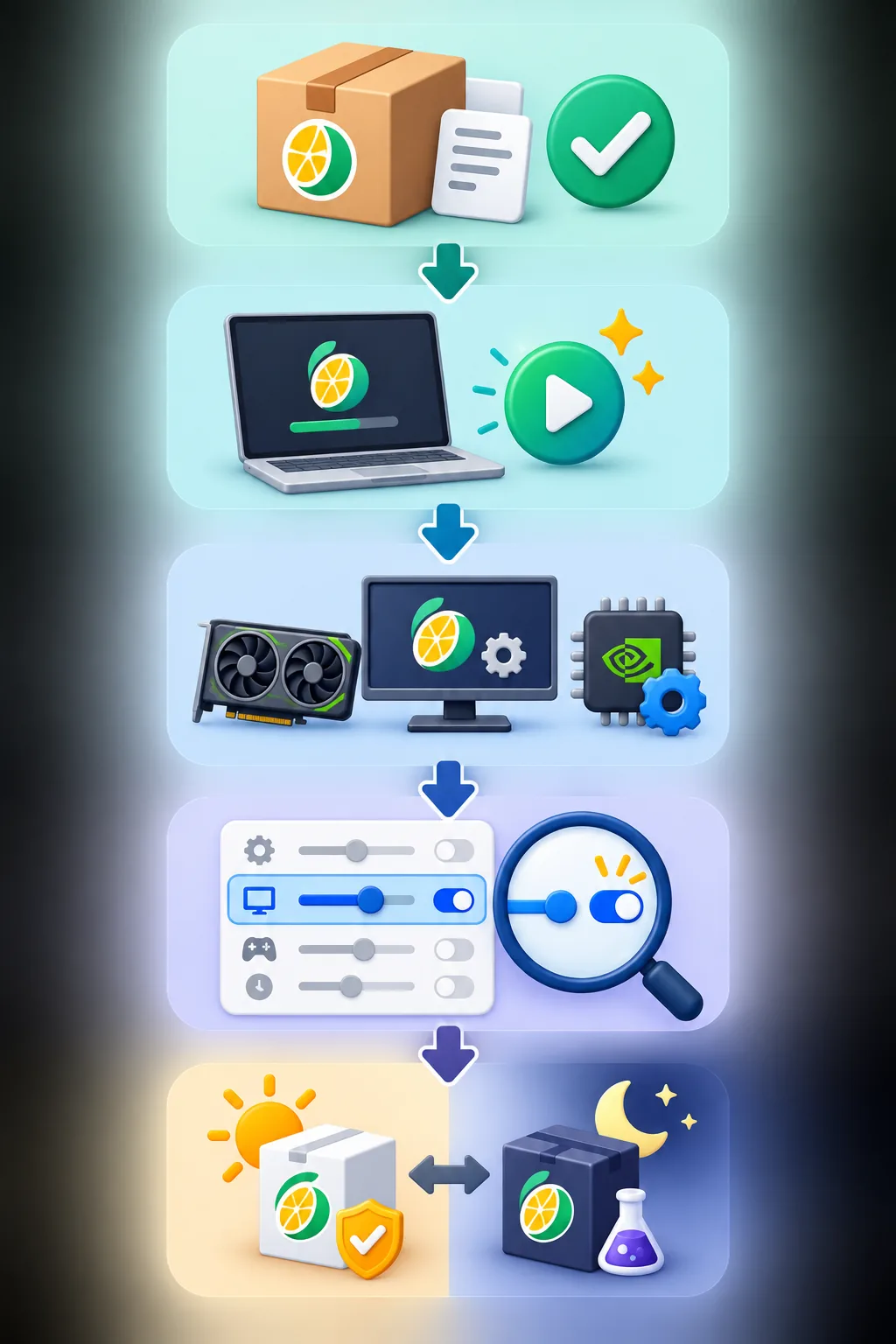
A repeatable isolation flow
Run this five-minute Citron crash-fix test
The sequence below separates a general launch problem from a renderer, input, content, or build-specific problem. Stop when the symptom changes and record what changed.
Reproduce once
Write the exact symptom: crash before a window, crash after a logo, black screen with audio, frozen frame, missing input, or a failure at one game scene.
Record the baseline
Save the Citron build tag or hash, OS, CPU/GPU or mobile chipset, driver, renderer, game update, and whether the test is stable or nightly.
Return to defaults
Back up the profile, disable experimental graphics tweaks and overlays, and repeat the same test with the default configuration.
Change one variable
Test one renderer, resolution, cache, controller layer, or profile change. Do not update the emulator and the game at the same time.
Compare or roll back
If a recent update introduced the failure, compare the same test on a verified stable build or a saved official build, then keep the evidence.
Keep evidence small and safe
What to record when Citron is not working
A short evidence note is enough for most troubleshooting. Keep the original log, configuration backup, and build identifier together so you can reproduce the same test after a restart or rollback.
Do not publish personal paths, account tokens, private dumps, or copyrighted system files. If you report an issue, summarize the symptom and attach only the minimum safe log excerpt allowed by the project.
A folder name such as the example below helps separate tests without implying that the site distributes any emulator content.
- Exact stable tag or nightly commit and the date tested.
- Operating system, device, GPU or chipset, driver, renderer, and power mode.
- Game version, update/DLC/mod state, last successful screen, and repeat count.
- One configuration backup and the single change made before the retest.
Citron-troubleshooting/test-01/The path is an organization example only. Never download a random log, key pack, firmware bundle, ROM, or repacked installer from a troubleshooting page.

Conservative changes
Which Citron setting should you change first?
Use the smallest change that tests your hypothesis. Restore the previous value when the result is worse or cannot be reproduced.
| Area | Start with | Change only when |
|---|---|---|
| Graphics backend | Default backend for the platform | A repeatable black screen or renderer-specific log points to a comparison test. |
| Resolution | Native or 1x resolution | The baseline runs and you are testing performance rather than launch stability. |
| Shader/cache | Let the current build create its own cache | The cache came from another build, is damaged, or the same stutter/crash repeats after a backup. |
| Config/profile | Back up, then test a clean profile | The clean profile changes the symptom and you can reapply settings one by one. |
| Controller layer | One direct mapping layer and OS detection | Steam Input, a remapper, or a second profile is clearly duplicating or hiding input. |
| Stable/nightly | Stable for a predictable baseline | A relevant official fix or issue requires a verified nightly and you can roll back. |
Match the next test to the symptom
Common Citron emulator crash and black-screen branches
These are diagnostic branches, not guarantees. Keep the exact build and test environment beside every result.
Citron crashes before the window appears
Check the platform asset, extraction or installation state, architecture, OS block, runtime dependencies, and whether a clean profile launches.
Next check: Use the official release page, reinstall or extract to a simple local path, and repeat with overlays disabled.
Citron shows a black screen
Separate a silent frozen window from a running game with audio or input. Renderer, driver, cache, keys/firmware setup, game update, and build regressions can look similar.
Next check: Record the last successful screen, return to default graphics, and compare one verified backend or build.
Audio works but video is missing
The process may be running while the graphics path fails. Capture the GPU, driver, backend, resolution, and whether menus respond.
Next check: Test native resolution and one alternate renderer; do not label the game unsupported from one black scene.
The controller is missing or double-inputs
First verify OS detection. Steam Input, mobile mapping layers, virtual controllers, and Citron profiles can overlap.
Next check: Disable the duplicate layer, reconnect the controller, and test one direct profile before changing graphics.
A working setup broke after an update
The emulator build, game update, DLC, driver, cache, or configuration may have changed. A nightly can fix one issue and introduce another.
Next check: Compare the same test on the saved build or stable 2026-04-27 baseline and keep the nightly hash in the note.
A cache or log error appears
A cache message is a clue, not proof that every cache should be deleted. Preserve the original profile and identify whether the cache belongs to the same build.
Next check: Back up the profile, rebuild only the affected cache, and repeat the same launch before changing unrelated settings.
Troubleshooting questions
Citron emulator crashing FAQ
Why does Citron emulator keep crashing?
Common branches include an incomplete or incorrect build, a graphics driver or renderer problem, a damaged profile or cache, a controller overlay, legal system-file setup, or a regression in the exact build. Record the symptom and test one branch at a time.
How do I fix a Citron emulator black screen?
Check whether audio or input still works, record the build and renderer, return to native resolution and default settings, and compare one alternate backend or verified build. A black screen alone does not prove that the game is incompatible.
Should I delete the Citron shader cache?
Back up the profile first. Rebuild a cache only when it belongs to the same build and the symptom points to a stale or damaged cache. Deleting everything at once removes useful evidence and may simply cause shader compilation again.
Should I use stable or nightly to fix a Citron crash?
Start with stable for a predictable baseline. Use a nightly only when a relevant first-party fix or issue comparison justifies it, and record the full hash so you can roll back if the result changes.
Can keys or firmware fix a Citron black screen?
Correct files from your own console can resolve setup or decryption errors, but they do not guarantee game compatibility or fix every renderer failure. Use the separate keys and firmware guide and do not download bundled files.
Does XCI work on Citron emulator?
The file type is only one part of a legal local test. Use a dump you are allowed to use, confirm that Citron can read the path and required system files, and document the exact build and game update. This guide does not provide game files.
Is Citron Neo Wiki the official Citron support site?
No. Citron Neo Wiki is an independent guide that links to public first-party release and issue pages. It does not host the emulator, games, keys, firmware, or repacked installers.
First-party evidence
Sources to check before calling a Citron crash a regression
Use these pages to compare release identifiers, build assets, and current issue reports. They do not replace a reproducible local test.
- Official stable release 2026-04-27Stable baseline and release notes checked for this guide.
- Official Citron CI releasesUse the platform-specific release page and record the nightly hash before comparing a fix.
- Official emulator issue trackerCompare hardware, driver, build, logs, and reproduction steps instead of copying an unsupported claim.
- Citron emulator compatibility guideUse the compatibility workflow when the emulator launches and the question is game-specific.