Evidence-first emulator comparison
Best Switch Emulator for PC, Android, and Steam Deck
The best Switch emulator is a platform and build decision, not a permanent ranking. Use this guide to choose a sensible first test, verify the official release path, and separate real compatibility evidence from a title-screen claim.
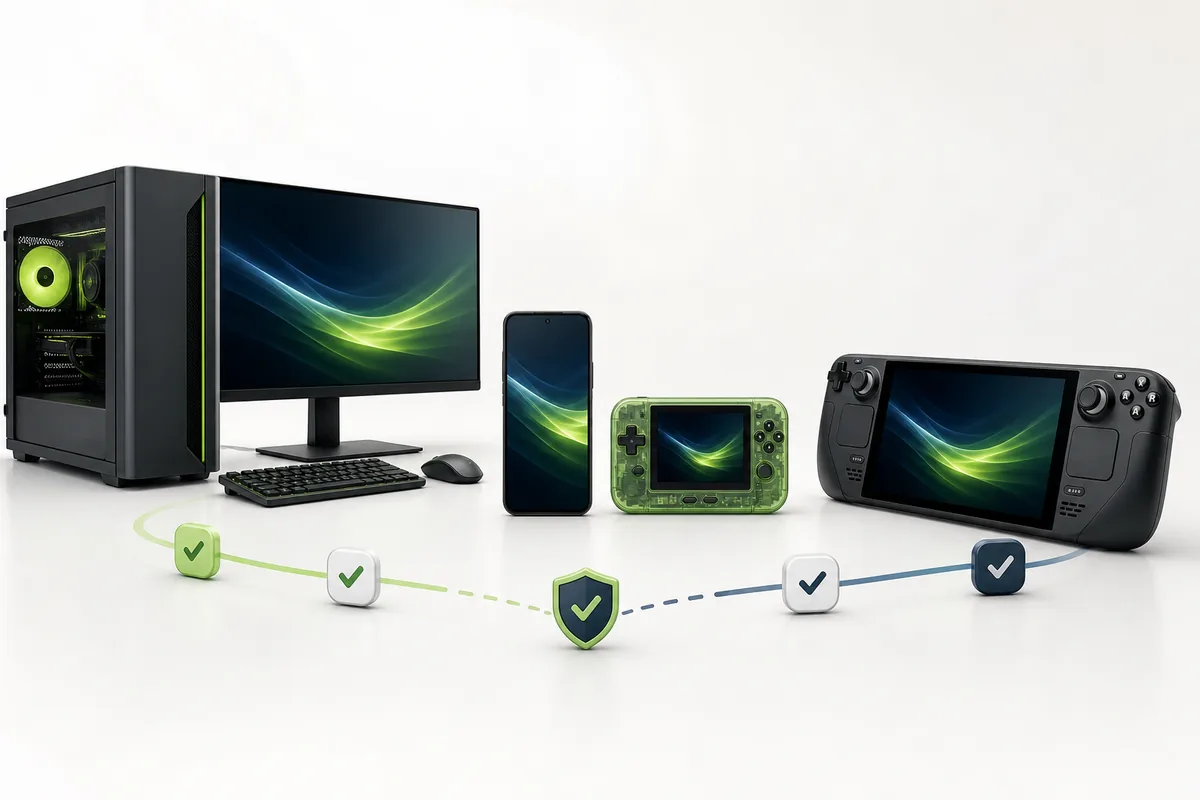
The short answer: start with the official Citron build that matches your device
For a first test on Windows, Android, Linux, or Steam Deck, Citron is the clearest starting point covered by this site because its public release and CI sources expose platform-specific assets. That is a source and distribution recommendation, not a promise that every game will run or that Citron is universally best for every device.
Choose the stable build when you want a predictable baseline. Consider a verified nightly only when you need a newer platform package or a fix relevant to your test, and record the commit hash. A useful comparison includes the exact emulator build, operating system, CPU or chipset, GPU driver, game version, settings, and the point where the test succeeds or fails.
The guide intentionally avoids ROM, prod.keys, title.keys, firmware, and bypass downloads. Those files are not emulator features, and mixing them into a comparison makes a page less trustworthy and harder to verify.
Quick decision matrix
Which Switch emulator path fits your device?
Use these labels as a shortlist, then verify your exact build and hardware. They describe the most defensible starting point from the sources checked for this guide.
Windows PC
Start with the official Windows x64 stable release for the clearest baseline, then compare a verified nightly only when a relevant fix justifies it.
Best fit when you can record GPU driver, renderer, CPU, and build hash.Android
Use the official APK asset that matches your device and test thermals, chipset, driver, permissions, and controller mapping instead of judging from a short boot test.
Results can change sharply between Adreno, Mali, and different Android builds.Steam Deck
Use the Linux x86_64 AppImage path and validate SteamOS permissions, Mesa drivers, game mode, controller mapping, and longer-session performance.
A published Linux package proves distribution, not game-wide compatibility.Other hardware or builds
macOS, ARM Linux, newer nightlies, and alternative emulator projects need a separate current test. Do not transfer a result from another platform or build.
Keep the exact date, source, version, and hardware beside every claim.
Best Switch emulator choice by platform
The public release sources checked on August 7, 2026 show stable 2026-04-27 plus CI assets built from 22d5038ec. The rows below tell you where to begin; they do not replace a game-specific compatibility test.
| Platform | Best starting point | Why it fits | Verify before judging |
|---|---|---|---|
| Windows PC | Stable Windows x64 ZIP; nightly 22d5038ec when needed | Most room for GPU, CPU, memory, renderer, and controller testing. | Driver, runtime, renderer, game update, settings, and build hash. |
| Android phone or tablet | Official app-mainline-release.apk or matching Elite APK | Portable option with a first-party APK path and device-specific tuning. | Chipset, GPU driver, Android version, permissions, thermals, and input. |
| Steam Deck | Linux x86_64 AppImage; nightly 22d5038ec when relevant | A native Linux package can be tested in desktop or game mode. | SteamOS, Mesa, executable permission, controller mapping, and session length. |
| macOS or ARM Linux | Use the matching official asset before comparing performance | The source matrix includes platform packages, but hardware support is more specific. | Architecture, OS version, signing, graphics backend, and a current build. |
Stable remains 2026-04-27 in the checked source set. Nightly files move, so use the official CI release page and record the exact hash instead of copying an old filename.
What best actually means
Six checks that matter more than a ranking headline
A comparison page becomes useful when it gives you a way to reject a poor fit and reproduce a good result.
Clear first-party source
The release owner, repository, tag, asset name, date, and platform should be visible. A mirror with a larger button is not stronger evidence.
Correct architecture
Match Windows x64, Linux x86_64 or ARM, Android device requirements, and macOS architecture before troubleshooting settings.
Build identity
Write down stable version or nightly hash. Without it, two compatibility reports may be describing different code.
Driver and renderer fit
GPU driver, Mesa or mobile graphics stack, backend, resolution, and shader settings can change the result more than the product name.
Long enough test
Booting a menu is not full compatibility. Test a save, load, gameplay scene, input, audio, and a longer session where thermals matter.
Legal file boundary
Use software and system files you are entitled to use. Reject pages that bundle games, ROMs, firmware, keys, password archives, or bypass tools.
Practical shortlist method
How to test your choice without overpromising
Keep one variable at a time so a result is useful later. The goal is a dated, reproducible observation, not a permanent promise.
Confirm the source
Open the official release or CI page, match the owner and asset name, and note the date before downloading.
Record the baseline
Write down OS, CPU or chipset, GPU, driver, memory, power mode, controller, and emulator build.
Test defaults first
Use a legally obtained game and local system files, launch with default settings, and keep logs when something fails.
Classify the result
Separate playable, runs with issues, boots only, and untested. State the exact scene or feature that failed.
Retest one change
Change one renderer, driver, build, or setting at a time and keep the original result for comparison.
Questions behind the query
Best Switch emulator FAQ
What is the best Switch emulator?
There is no permanent universal winner. For the platforms covered here, start with the official Citron build that matches Windows, Android, Linux, or Steam Deck, then judge the exact build on your own hardware and legally obtained software.
Which Switch emulator is best for PC?
Use the official Windows x64 Citron release as a clear baseline because the source and asset path are easy to verify. A different emulator or nightly may suit a particular game, so record the build, driver, renderer, and test result instead of treating the name as a guarantee.
What is the best Switch emulator for Android?
Start with the official Citron Android APK path that matches your device, then test chipset, GPU driver, Android version, thermals, permissions, and controller input. A short boot screen does not prove stable gameplay.
Is a Switch emulator good on Steam Deck?
Steam Deck has a valid Linux x86_64 package path for testing. Actual results still depend on SteamOS, Mesa, executable permissions, game mode, controller mapping, the build hash, and the individual game.
Should I use stable or nightly?
Use stable for a predictable baseline. Use a verified nightly when a relevant fix or platform package is needed, and record the hash because nightly behavior can change from one build to the next.
Can I download ROMs, prod.keys, or firmware here?
No. This site links emulator release sources and explains setup boundaries, but it does not host or link ROMs, games, firmware, prod.keys, title.keys, or bypass tools. Use only files you are legally entitled to use.
Primary sources
Sources used for this comparison
Release facts and asset paths should be checked again before publishing a new version claim. These links provide the source boundary used by the guide.
- Official stable emulator releaseStable release page checked August 7, 2026; the checked stable tag remains 2026-04-27.
- Official Citron CI releasesPlatform-specific Windows, Android, Linux, and macOS nightly assets checked August 7, 2026.
- Citron compatibility list guideUse the evidence-first compatibility method before calling a game playable.
- Citron safe download guideVerify owners, tags, filenames, dates, and platform assets before opening a file.